Templates
Super Admin supports multiple UI templates. You can switch between templates via config.
Available Templates
| Template | CSS Framework | Style | Status |
|---|---|---|---|
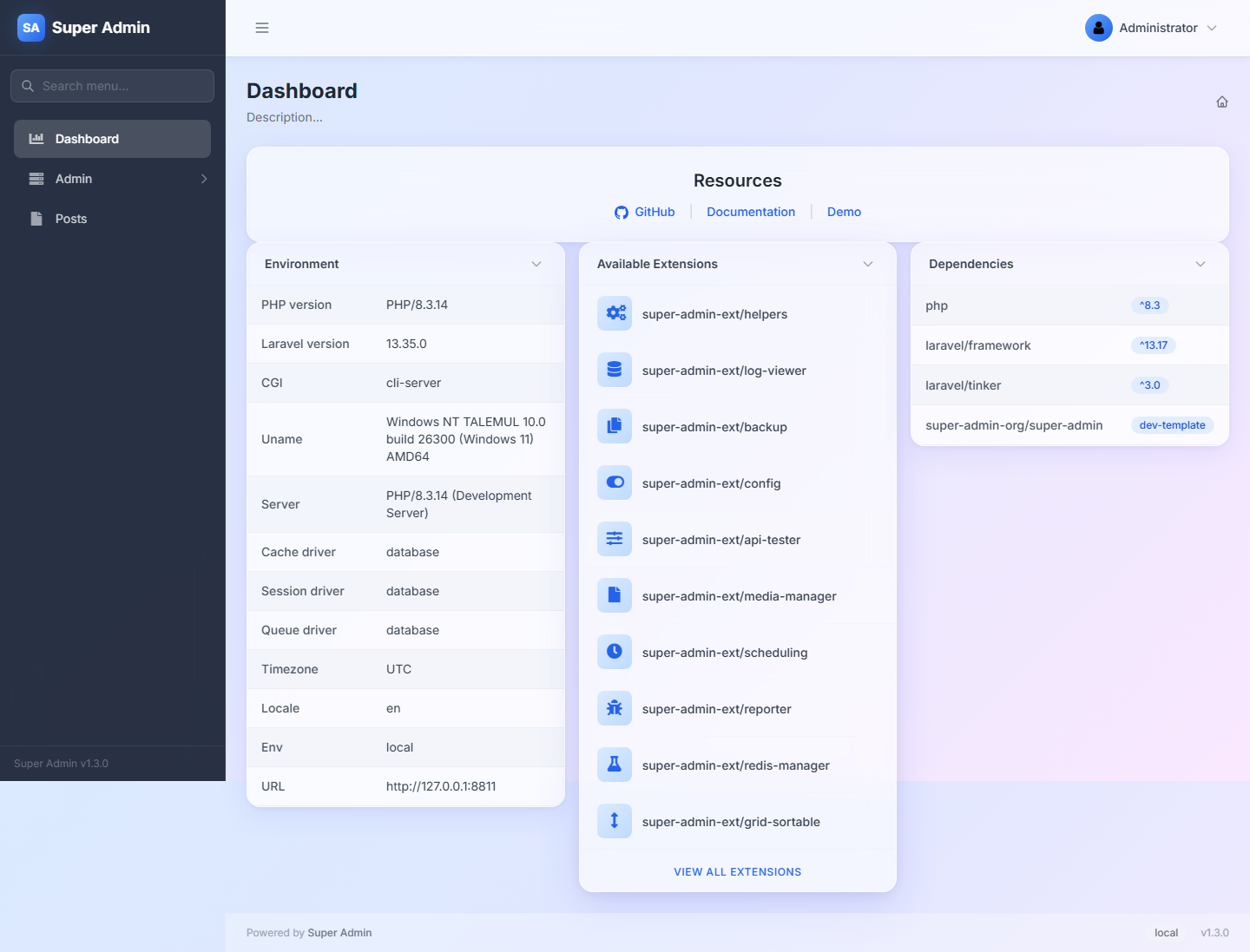
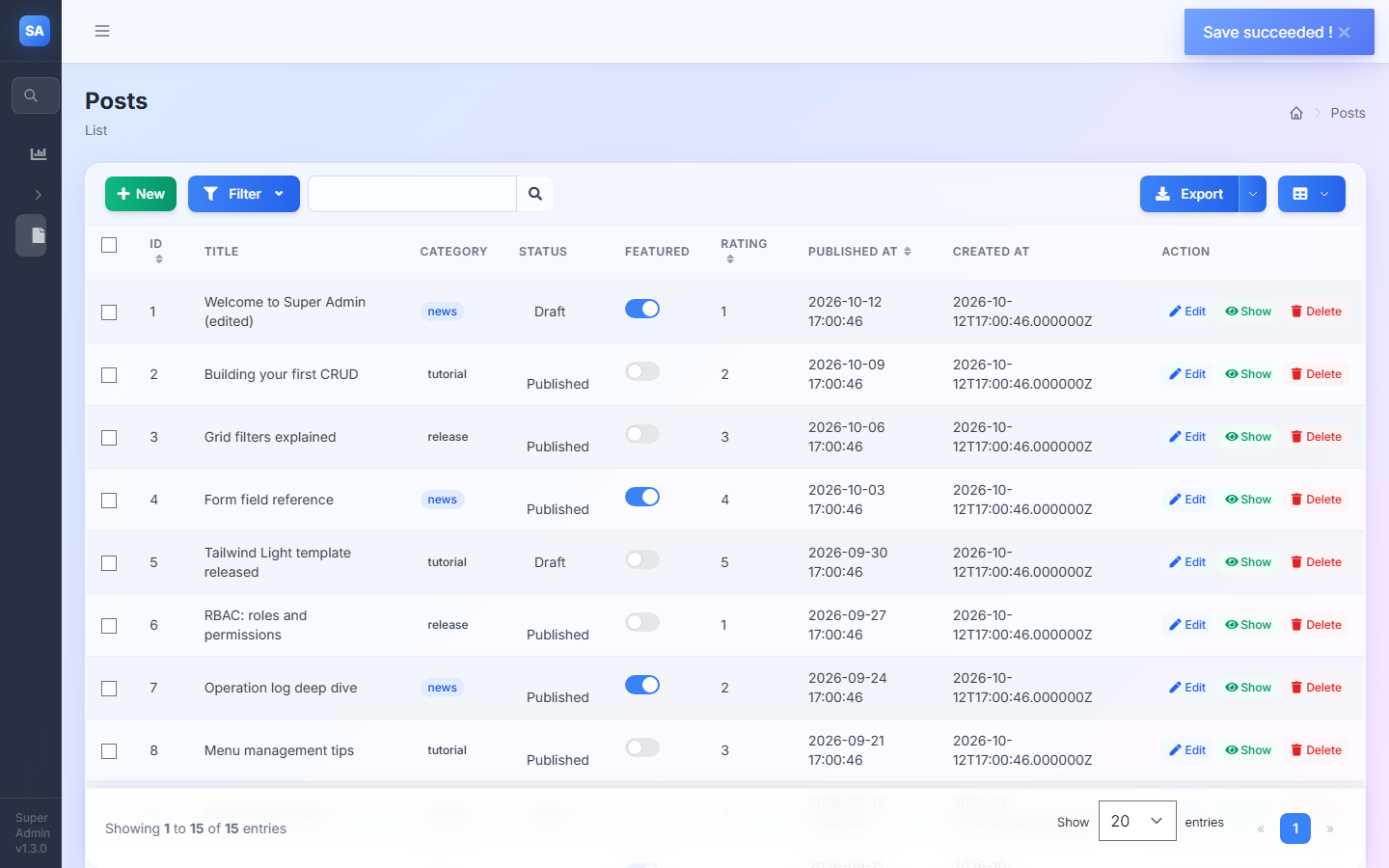
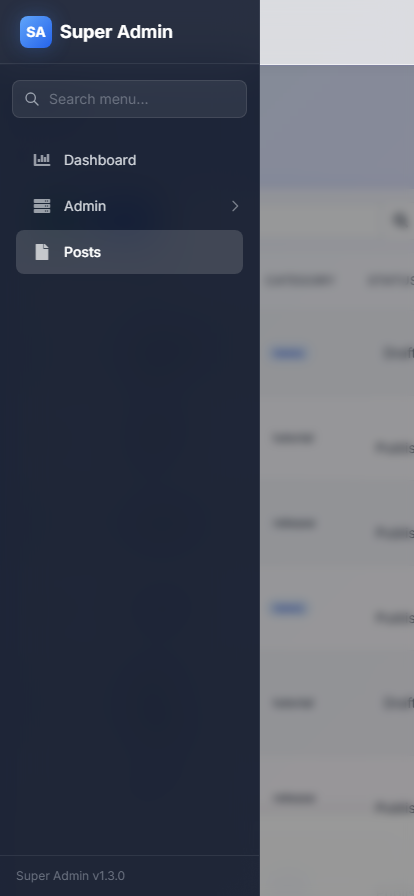
tailwind-light | Tailwind CSS | Glassmorphism, modern, frosted glass | Default |
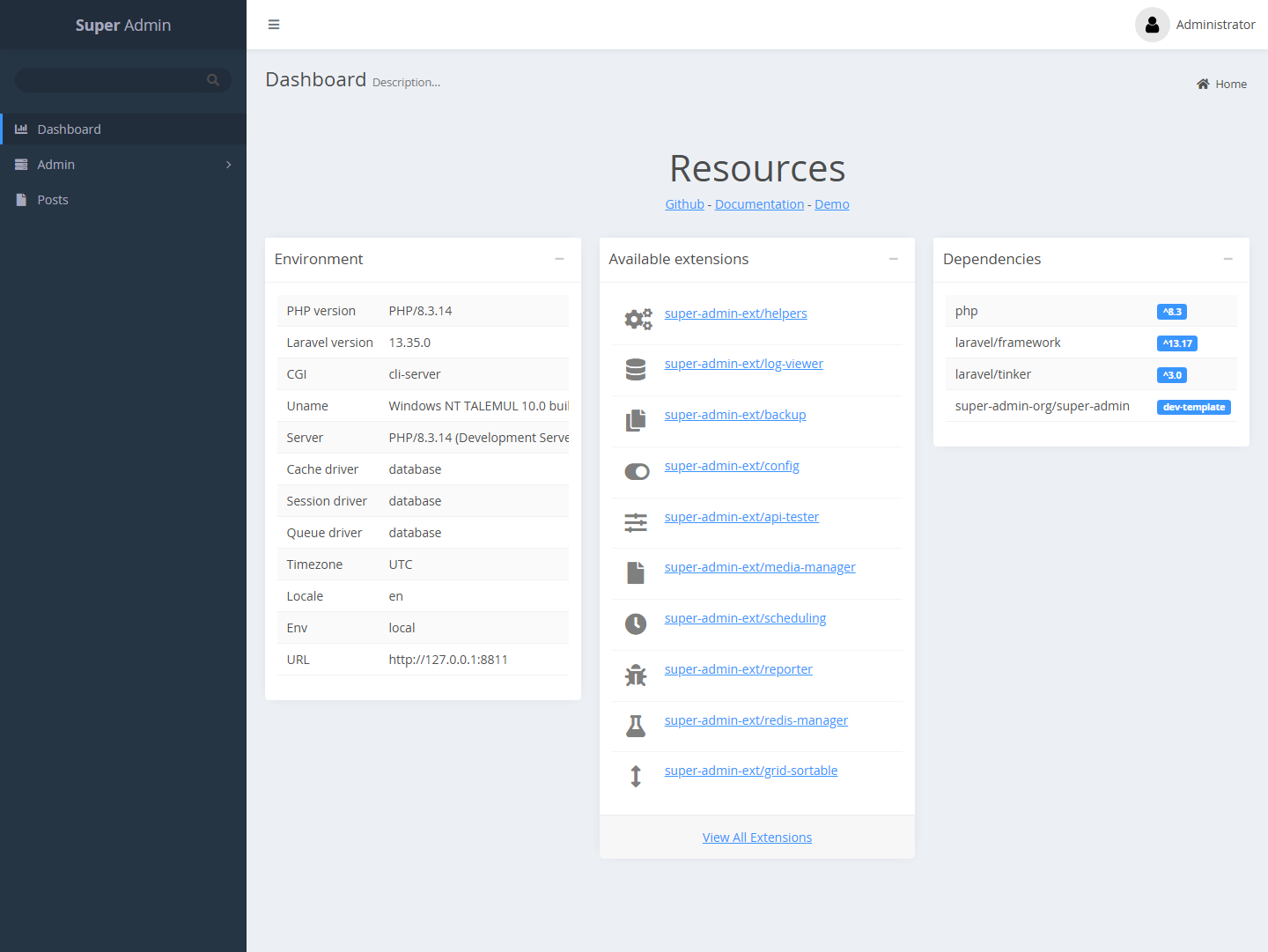
super-admin-template-1 | Bootstrap 5 | Classic admin panel | Legacy |
Screenshots
Tailwind Light (default)
On desktop the sidebar collapses to icons. On phones it slides over the page.
Classic (super-admin-template-1)
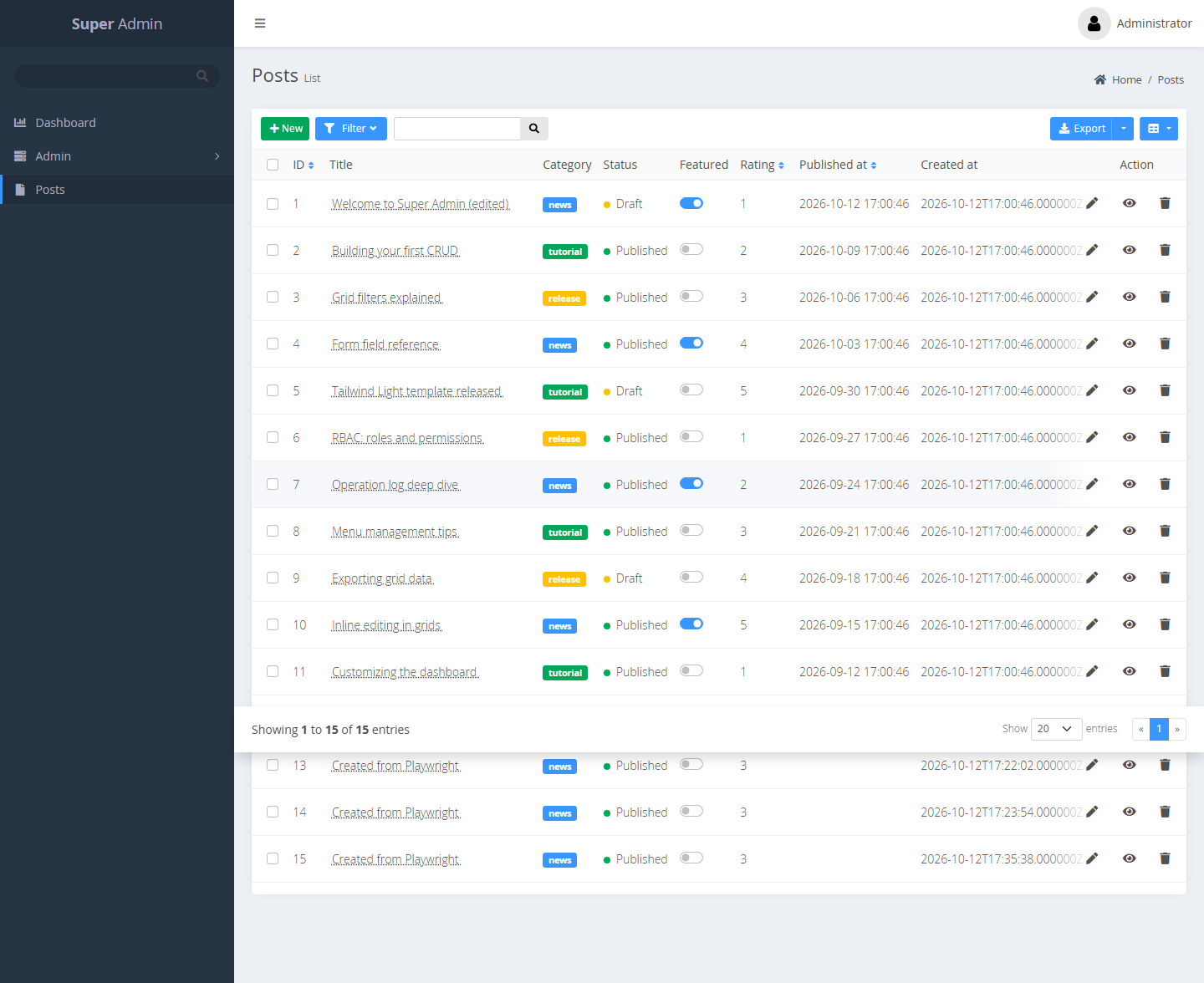
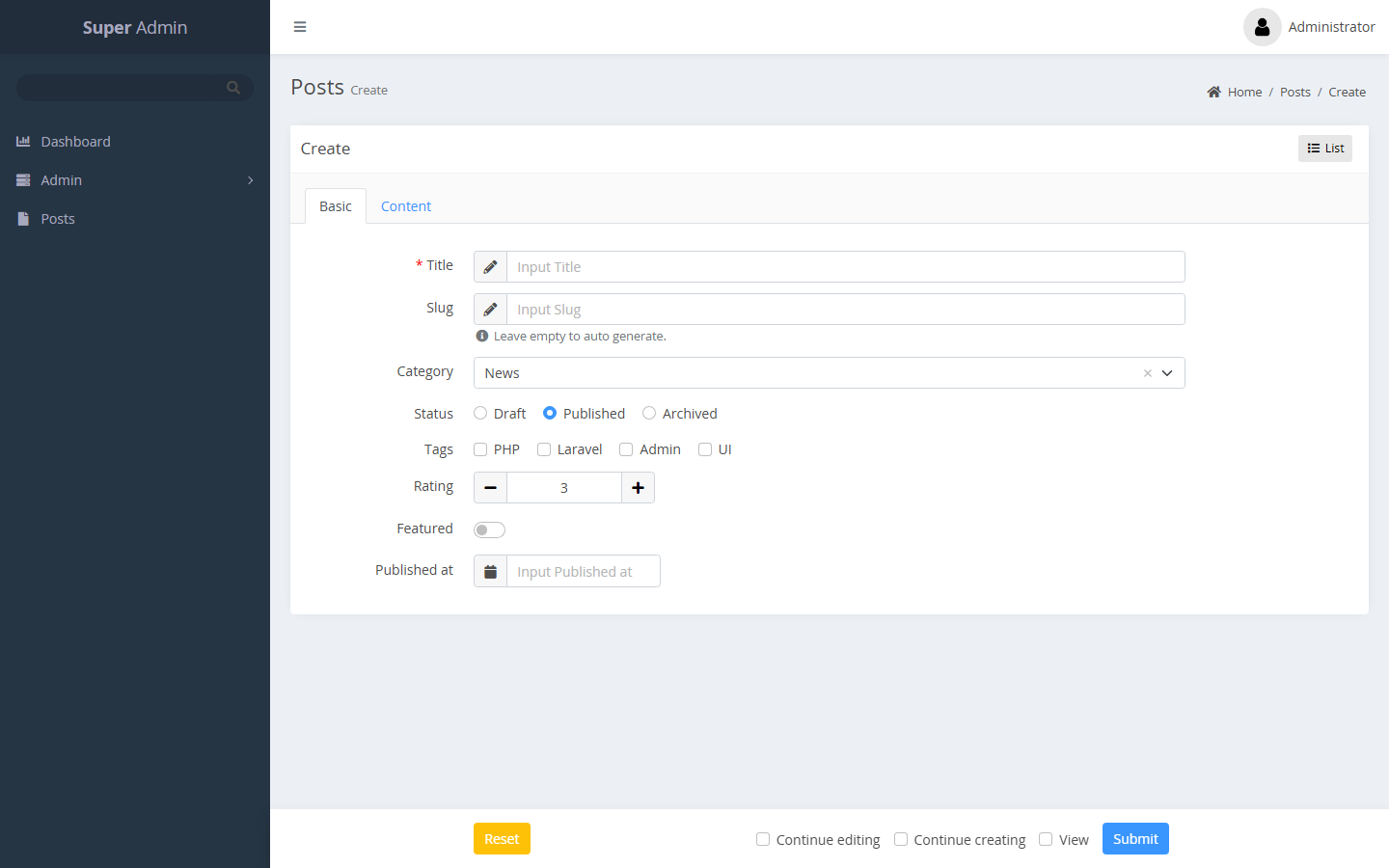
Switching Templates
In config/admin.php:
// Modern glassmorphism (default)
'template' => 'tailwind-light',

// Classic Bootstrap 5
'template' => 'super-admin-template-1',
After changing the template, clear the view cache:
php artisan view:clear
How Templates Work
Each template is a directory under resources/views/ containing blade templates:
resources/views/
├── super-admin-template-1/    (Classic Bootstrap 5)
│   ├── index.blade.php
│   ├── login.blade.php
│   ├── partials/
│   ├── grid/
│   ├── form/
│   └── ...
├── tailwind-light/            (Modern Tailwind CSS)
│   ├── index.blade.php
│   ├── login.blade.php
│   ├── partials/
│   ├── grid/
│   ├── form/
│   └── ...
└── (root views - fallback)
The template system uses Laravel's view loading priority:
- First checks the selected template directory
- Falls back to root
resources/views/for any missing files
This means templates can be built incrementally - only override the views you want to change.
Creating Custom Templates
You can create your own template by adding a new directory:
resources/views/my-template/
├── index.blade.php    (required - marks this as a valid template)
├── login.blade.php
└── ...
Then set it in config:
'template' => 'my-template',
Any views not present in your template directory will fall back to the default root views.
Building Tailwind CSS (for tailwind-light template)
The tailwind-light template requires a build step:
npm install
npm run build
The built CSS/JS is committed to the repository, so end users don't need Node.js.
For development with hot reload:
npm run dev
JavaScript in the tailwind-light template
The template does not load Bootstrap's JavaScript. Its bundle (resources/assets/tailwind-light/dist/super-admin-js.js) provides:
- Dropdown, collapse, tab and modal behaviour for elements marked with
data-sa-toggle="dropdown|collapse|tab|modal"anddata-sa-target="#id". The Bootstrap spelling (data-bs-toggle,data-bs-target,data-bs-dismiss) is accepted as well, so markup emitted by PHP keeps working. - A
window.bootstrapcompatibility layer withModal,Popover,Tooltip,Tab,CollapseandDropdownclasses (getInstance,getOrCreateInstance,show,hide,toggle,dispose, and theshow.bs.*/shown.bs.*/hide.bs.*/hidden.bs.*events). The shared admin scripts (inline edit, selectable pickers, action modals, hasMany tabs) rely on it. - Re-initialisation after PJAX page loads: the shared
admin.ajaxscript dispatches apjax:completeevent ondocumentafter every page load, and the template refreshes the sidebar active state and tooltips on it.
Form and grid footers use position: sticky (not fixed), because .glass-card uses backdrop-filter, which makes it the containing block for fixed descendants.