Config
super-admin-org/config stores key/value settings in a database table, edits them in the admin panel, and loads them into Laravel's config() on every request. Use it for values an administrator should change without a deploy: a support e-mail, a feature flag, an announcement text.
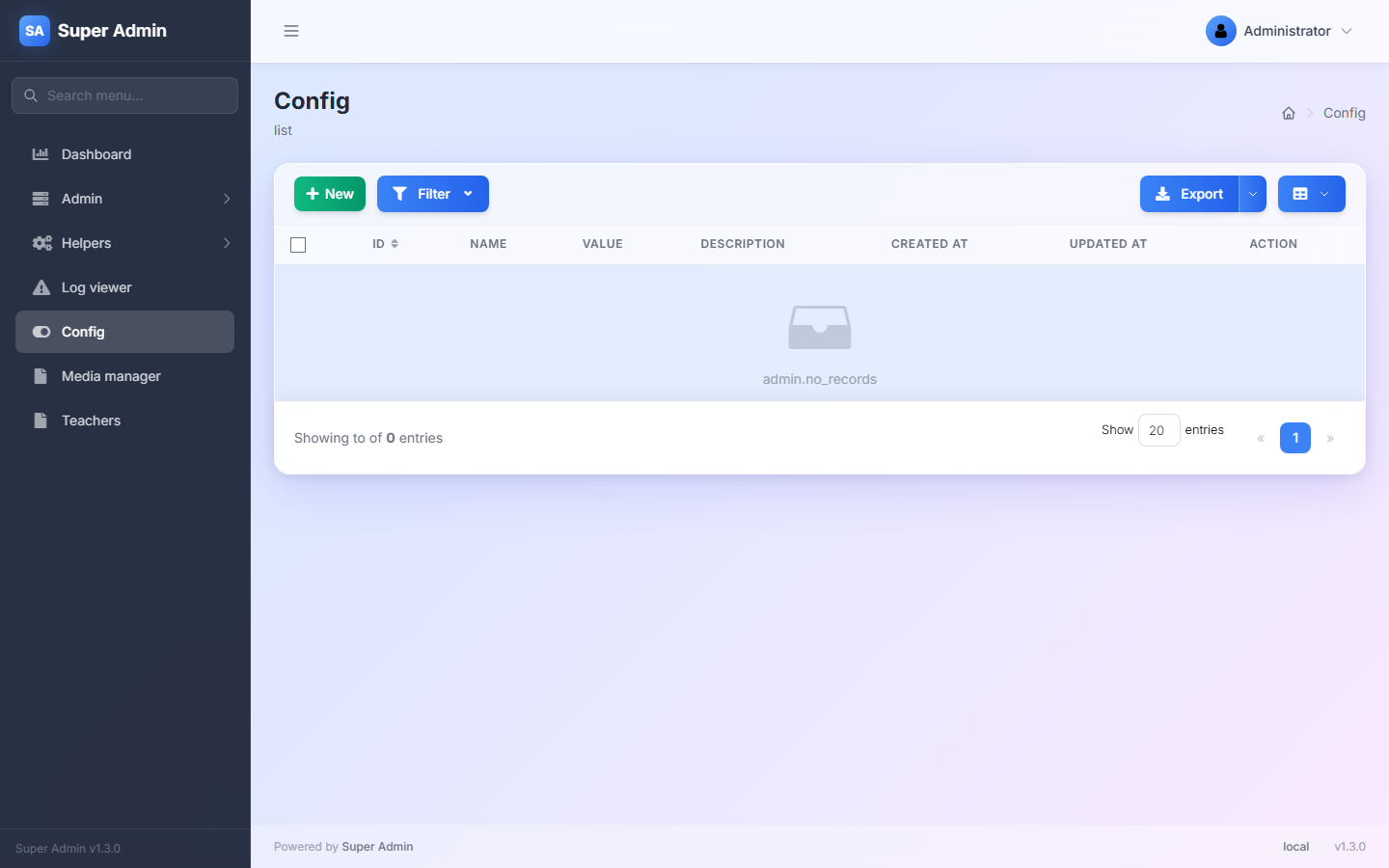
| Package | super-admin-org/config |
| Admin URL | /admin/config |
| Menu | Config |
| Permission | ext.config (path /config*) |
| Table | admin_config |
Installation
composer require super-admin-org/config
php artisan migrate
php artisan admin:import config
Load the values in app/Providers/AppServiceProvider.php:
use Illuminate\Support\Facades\Schema;
use SuperAdmin\Admin\Config\Config;

public function boot(): void
{
    $table = config('admin.extensions.config.table', 'admin_config');

    if (Schema::hasTable($table)) {
        Config::load();
    }
}
The hasTable check keeps php artisan migrate working on a fresh database.
Using it
New opens the form:
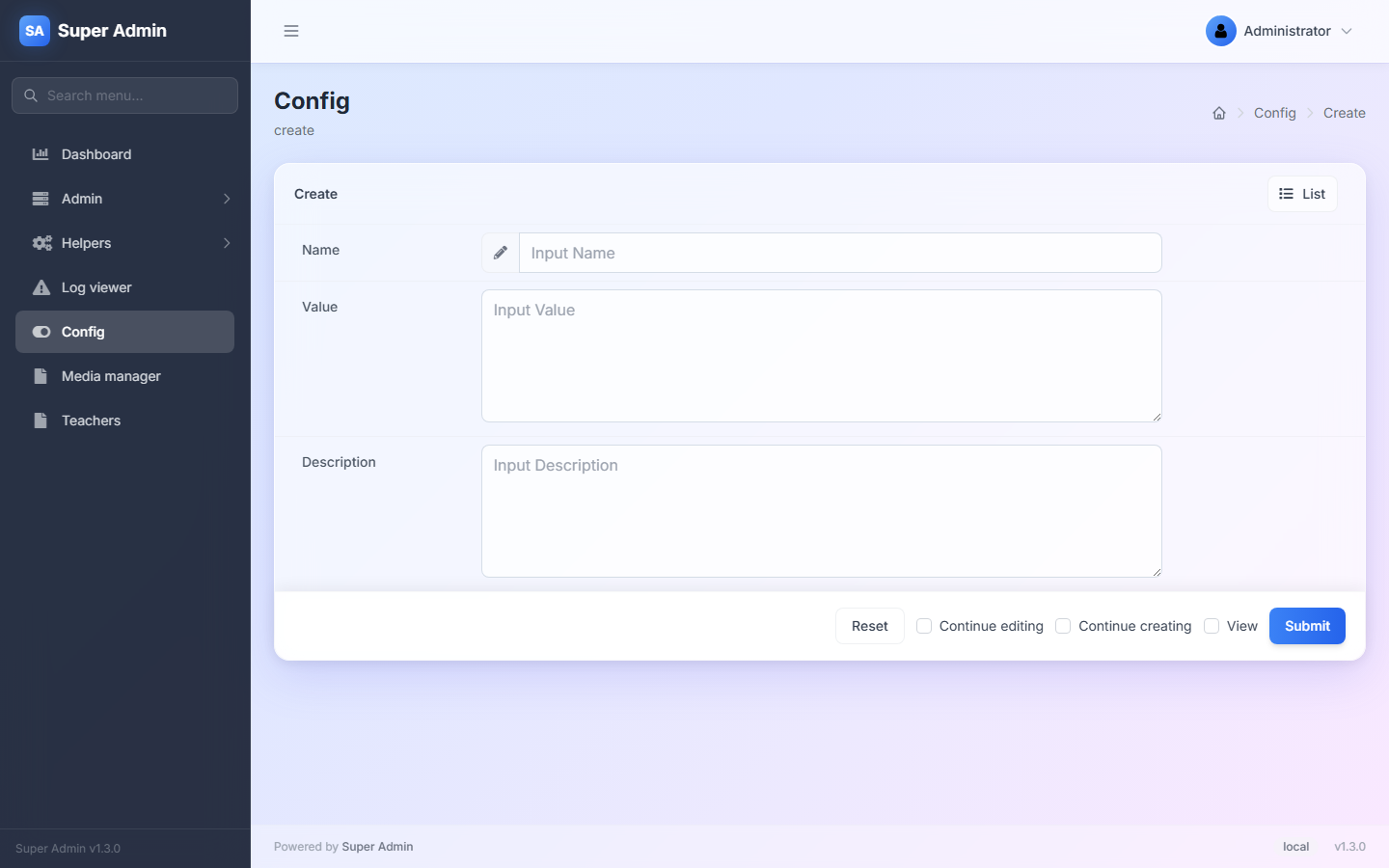
- Name: the config key, e.g.
site.support_email. Click a name in the list to see its usage (config('site.support_email')). - Value: stored as text.
"true","1"and JSON stay strings; cast them where you read them. - Description: a note for other administrators.
After saving, config('site.support_email') returns the value everywhere, including in queued jobs and commands, because Config::load() runs at boot.
Database values override the files in config/ for the same key.
Configuration
'extensions' => [
    'config' => [
        'table' => 'admin_config',            // table name
        'name'  => 'config',                  // admin route (URL) of the page
        'valueEmptyStringAllowed' => false,   // true allows saving an empty value
    ],
],
Compatibility
| Laravel | PHP | State |
|---|---|---|
| 8 – 13 | 8.0+ | Works. |
Known limitations:
- The
valuecolumn is aVARCHAR(255); longer texts are cut or rejected by MySQL. For long values, change the column toTEXTin a migration. - Every request runs one query to load the values. With
php artisan config:cache, values from the database are still loaded at boot, after the cache. - Changing
namemoves the page, but the menu item and permission created byadmin:importstill point toconfig; edit them under Admin > Menu and Admin > Permission.