Media Manager
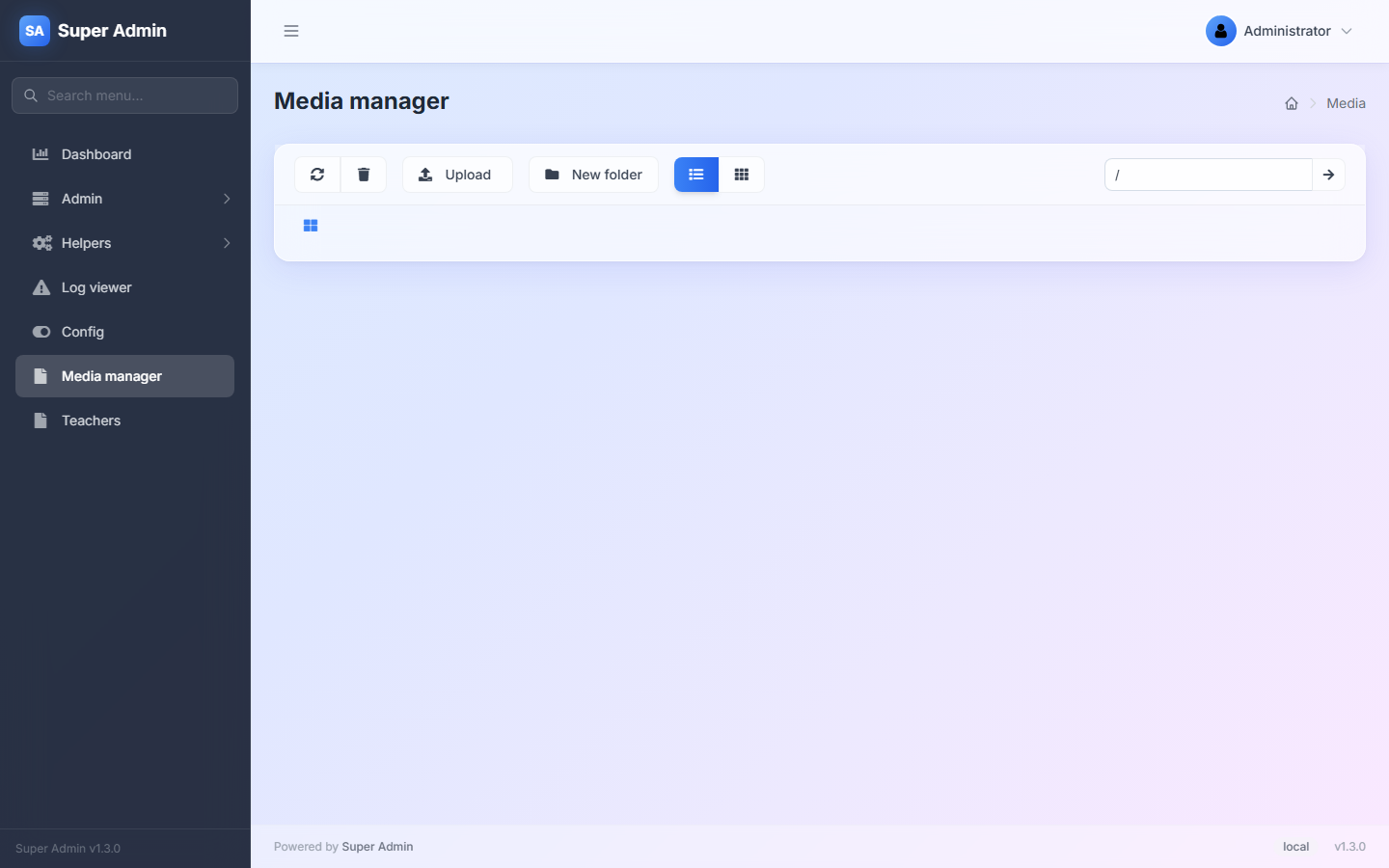
super-admin-org/media-manager is a file browser for one local disk: list and preview files, upload, create folders, rename or move, download and delete. The CKEditor field uses it as its image and file picker.
| Package | super-admin-org/media-manager |
| Admin URL | /admin/media |
| Menu | Media manager |
| Permission | ext.media-manager (path /media*) |
Installation
composer require super-admin-org/media-manager
php artisan admin:import media-manager
Then point it at a disk (see below).
Configuration
Create a dedicated disk in config/filesystems.php:
'disks' => [
    'admin-media' => [
        'driver' => 'local',
        'root'   => storage_path('app/admin-media'),
        'url'    => env('APP_URL').'/admin-media',   // only if the files must be public
        'visibility' => 'public',
    ],
],
and select it in config/admin.php:
'extensions' => [
    'media-manager' => [
        'disk' => 'admin-media',
    ],
],
Only local disks are supported. When the disk has a url, images show as thumbnails and the Url action copies the public address.
Do not point the media manager at a folder inside public/ or at Laravel's public disk: uploaded files there are served directly by the web server. Use a folder under storage/, and expose only what must be public (for example with php artisan storage:link for a sub-folder, or a controller that streams files). Grant the ext.media-manager permission only to trusted users.
Using it
- Table and grid views (top toolbar); click a folder to open it, or type a path in the box on the right and press the arrow.
- Upload picks one or more files; they are stored under their original names in the current folder.
- New folder, Refresh, and Delete for the selected rows (tick the checkboxes).
- Each file's menu: Rename & Move, Delete, Download, Url.
As a picker
/admin/media?select=true&fn=window.opener.myCallback&close=true shows a Select button next to each file. It calls the JavaScript function named by fn with (url, name); close=true closes the pop-up window afterwards. The CKEditor field opens the media manager this way.
Compatibility
| Laravel | PHP | State |
|---|---|---|
| 8 | 8.0+ | Works with Flysystem 1. |
| 9 – 13 | 8.0+ | Works with Flysystem 3. |
Known limitations: local disks only; large folders are listed in one page; delete/move/new-folder report success even when the operation fails, so refresh to check.